/ 01
The problem
Most safety apps rely on one thing: you unlocking your phone and pressing a button. That's exactly what you can't do if you've fallen, been grabbed, or your phone is in a bag across the room.
Even when an alert does go out, the sender rarely knows whether it arrived. A message to a mistyped number, or to a contact who never opted in, looks the same as one that got through.
/ 02
Approach
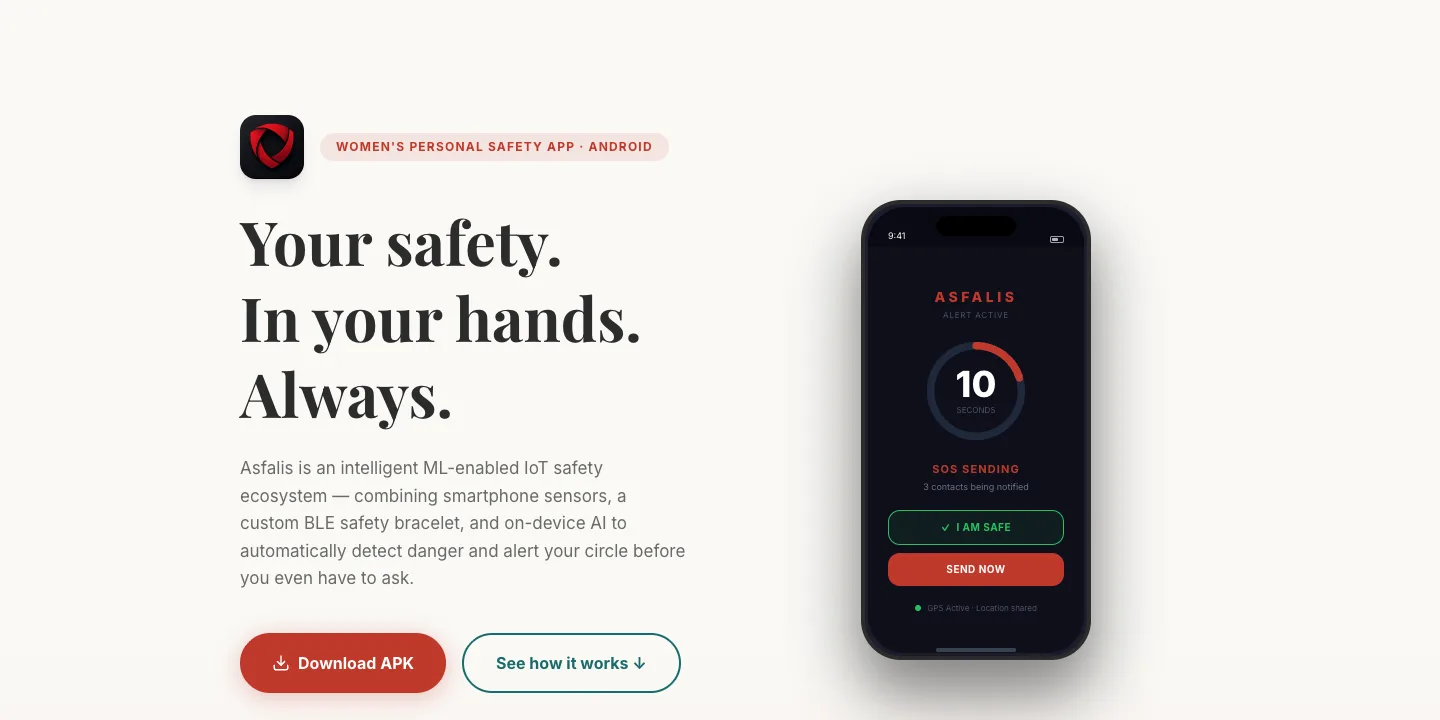
We gave SOS several ways to start, so no single failure blocks it: an on-screen button, shaking the phone, a press on the bracelet, the bracelet losing range, and an on-device motion model. Every trigger feeds the same 10-second countdown, and you can cancel it if you're safe.
I built the backend so it finishes the job even if the phone doesn't. The server owns the countdown, sends WhatsApp and SMS through Twilio with a Maps link to your location, and reports back on each contact. Contacts have to confirm an SMS code before they can be added, so alerts go to real, reachable numbers.
Because the app holds people's names, phone numbers and locations, I encrypted those fields in the database and kept a keyed hash beside each one, so the server can still look people up without storing anything readable.
/ 03
What I built
SOS that finishes itself
Starting an SOS creates the alert on the server and starts a 10-second countdown. If the app is killed or loses signal before it confirms, a server thread sends the alert anyway. A separate 30-day SOS token lets alerts through even after the login session has expired.
Delivery you can check
Alerts go out over WhatsApp and SMS through two Twilio accounts, with the sender's message and a Maps link. Twilio's error codes are turned into plain statuses such as 'not opted in' or 'daily limit reached', and the app shows what happened for each contact.
Bracelet, phone and server in step
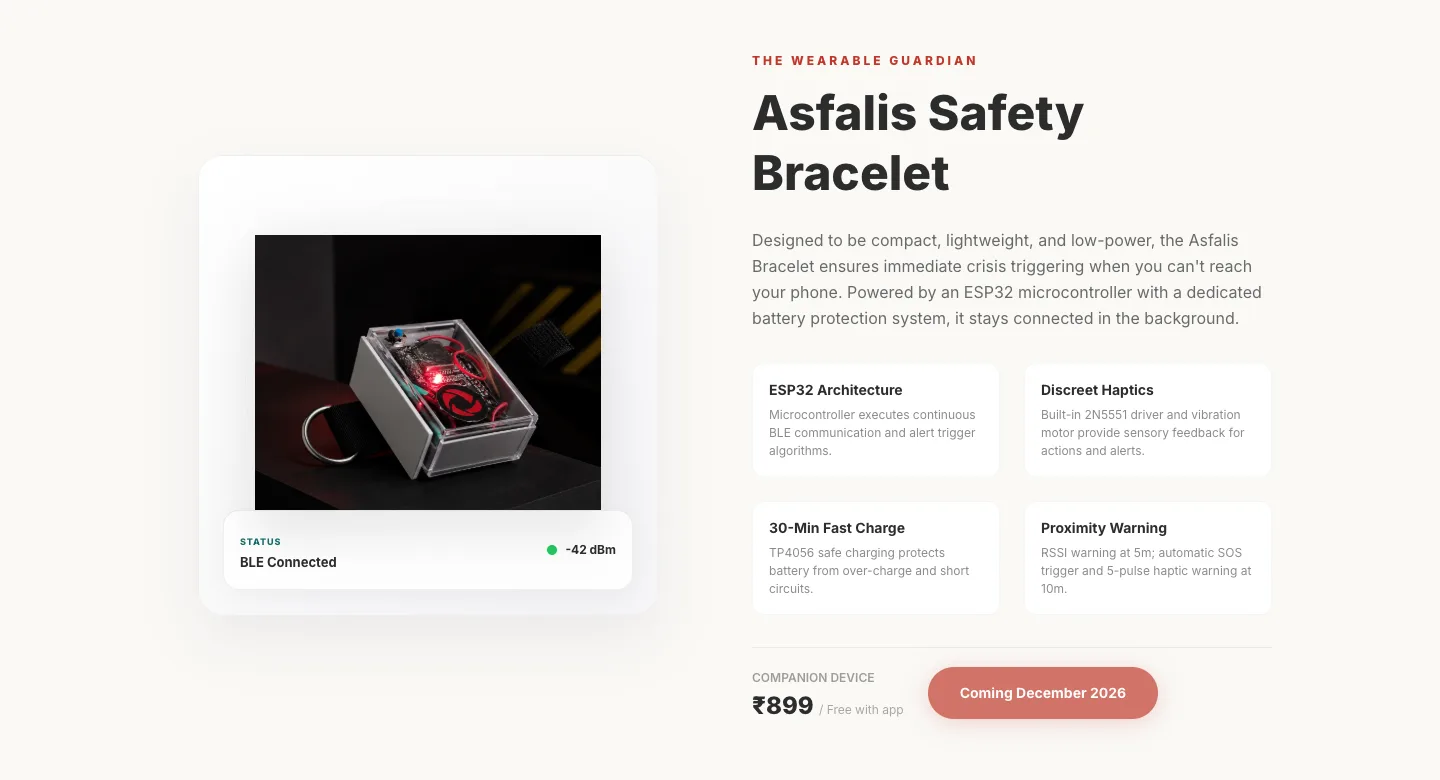
One press on the ESP32 bracelet starts an SOS, and a double press within 1.5 seconds cancels it. The phone holds a Classic Bluetooth link to the bracelet and also reads its BLE signal strength. Walking about 5 m away from the bracelet triggers a warning, and going further starts an SOS.
Auto-SOS motion model
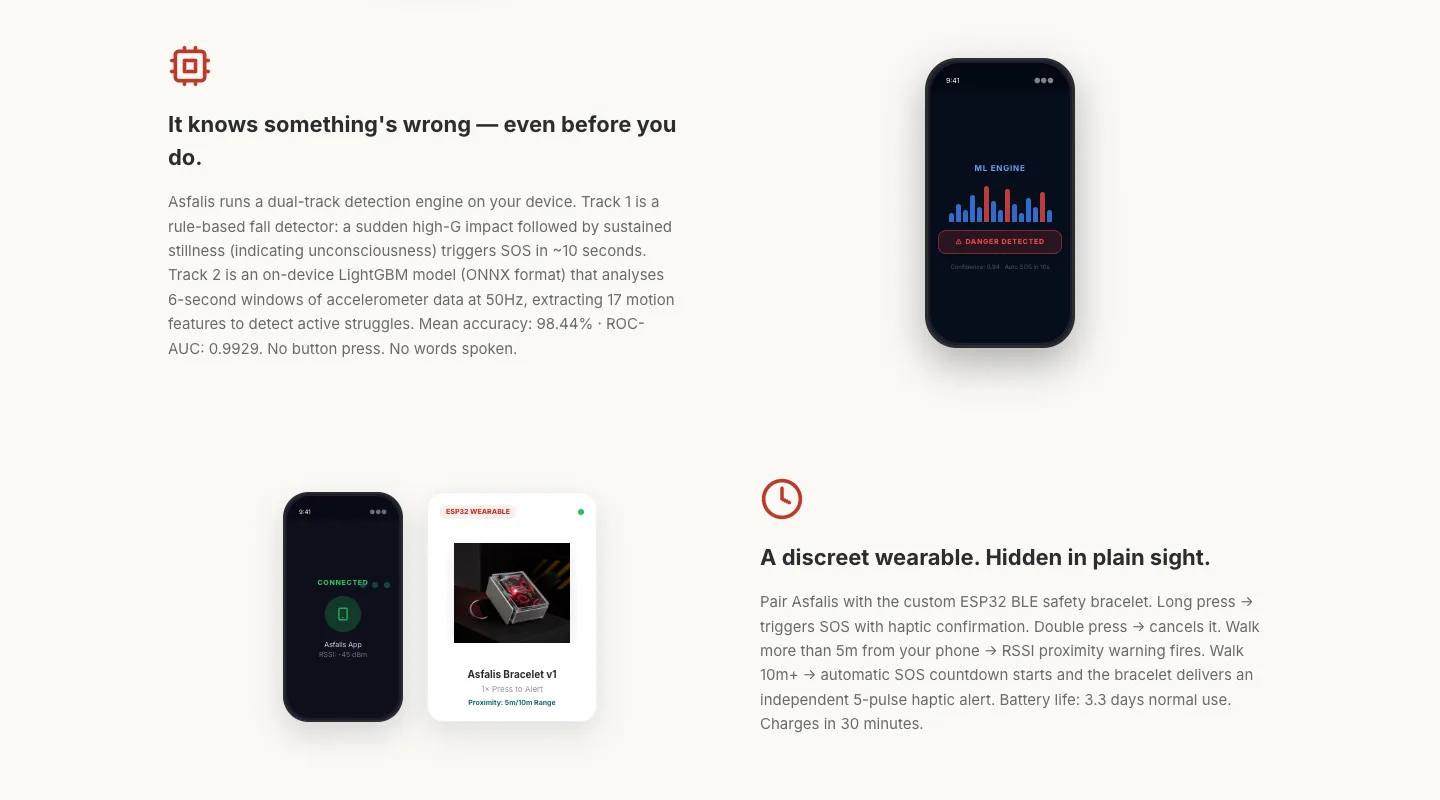
We logged labelled motion data with our own app, cut it into 300-sample windows and turned each into 17 features. I compared Random Forest, XGBoost, LightGBM and AdaBoost, and the chosen LightGBM model runs on the phone through ONNX Runtime.
Personal data encrypted at rest
Names, phone numbers, emails, coordinates, SOS messages, device IDs and push tokens are encrypted column by column. Searchable fields get an HMAC column for exact-match lookups, and a one-off script back-filled rows written before encryption.
Accounts that are hard to hijack
Phone sign-up with SMS codes and bcrypt passwords, 15-minute access tokens with rotating refresh tokens, lockout after five failed logins, rate limits, and an account bound to one handset with a 12-hour wait before moving to a new phone.
/ 04
How it works
- Wearable
- ESP32 bracelet
- Classic Bluetooth
- BLE signal strength
- Android
- Kotlin + Compose
- Foreground services
- ONNX Runtime
- Retrofit + DataStore
- API
- FastAPI
- Socket.IO
- JWT + SOS token
- Docker on Render
- Data & messaging
- PostgreSQL
- Encrypted columns
- Twilio WhatsApp + SMS
- FCM
/ 05
Hard parts
- 1
A countdown the server finishes
The app is meant to confirm the alert when its countdown ends, but a phone in trouble may not get that far. So when an SOS starts, the server also starts a background thread that wakes two seconds after the countdown and sends the alert if nobody has cancelled it. Sending checks the alert's status first, so a confirmed alert isn't sent twice. Next I'd lock the alert row in the database, so the app and the thread can't both pass that check at once.
def _auto_dispatch_after_countdown(aid, delay): time.sleep(delay) session = ScopedSession() alert_obj = session.get(SOSAlert, aid) if alert_obj and alert_obj.status == 'countdown': dispatch_sos(aid) grace = COUNTDOWN_SECONDS + 2 # 2-second grace for network latency - 2
Encrypted, but still searchable
Encrypting a phone number makes it unreadable, but logging in still means finding a user by phone number. Each encrypted column encrypts on write and decrypts on read automatically, so the rest of the code never sees ciphertext. A keyed HMAC of the normalised value sits beside it, so the server can match a number without storing it in plain text.
class EncryptedString(TypeDecorator): def process_bind_param(self, value, dialect): return None if value is None else encrypt(str(value)) def process_result_value(self, value, dialect): return None if value is None else decrypt(value) def compute_hmac(value: str) -> str: normalised = value.strip().lower() return hmac.new(key, normalised.encode(), hashlib.sha256).hexdigest() - 3
Talking to a homemade bracelet
Our ESP32 dropped connections when the phone tried the fast, reflection-based Bluetooth socket first, because quick repeated failures put it into a cooldown. Trying the standard service lookup first, with reflection as a fallback, made pairing reliable. Distance comes from the BLE signal, where one reading can be off by 15 dBm, so I take the median of several and need two out-of-range readings in a row. A short wait after the first press tells a real single press from switch bounce.
- 4
A model that looked better than it was
On paper the model was excellent: 97% accuracy and 0.99 ROC-AUC on a 35-window test set. But the whole dataset was 174 windows, with one recording per activity split at random, so the test windows came from the same recordings as the training ones. On a real phone it scored violent shaking as safe. Part of the cause was units: we trained on g, Android reports m/s², and one feature came out almost 100 times too large. We fixed the units and moved scaling out of the model. The real fix is far more data, split by recording.
/ 06
Design
I designed the landing site in a calm, trustworthy palette rather than alarm red everywhere: ivory backgrounds, charcoal for the 'problem' sections, and crimson kept for the SOS moment and calls to action. Playfair Display carries the big promises and Inter carries everything else.
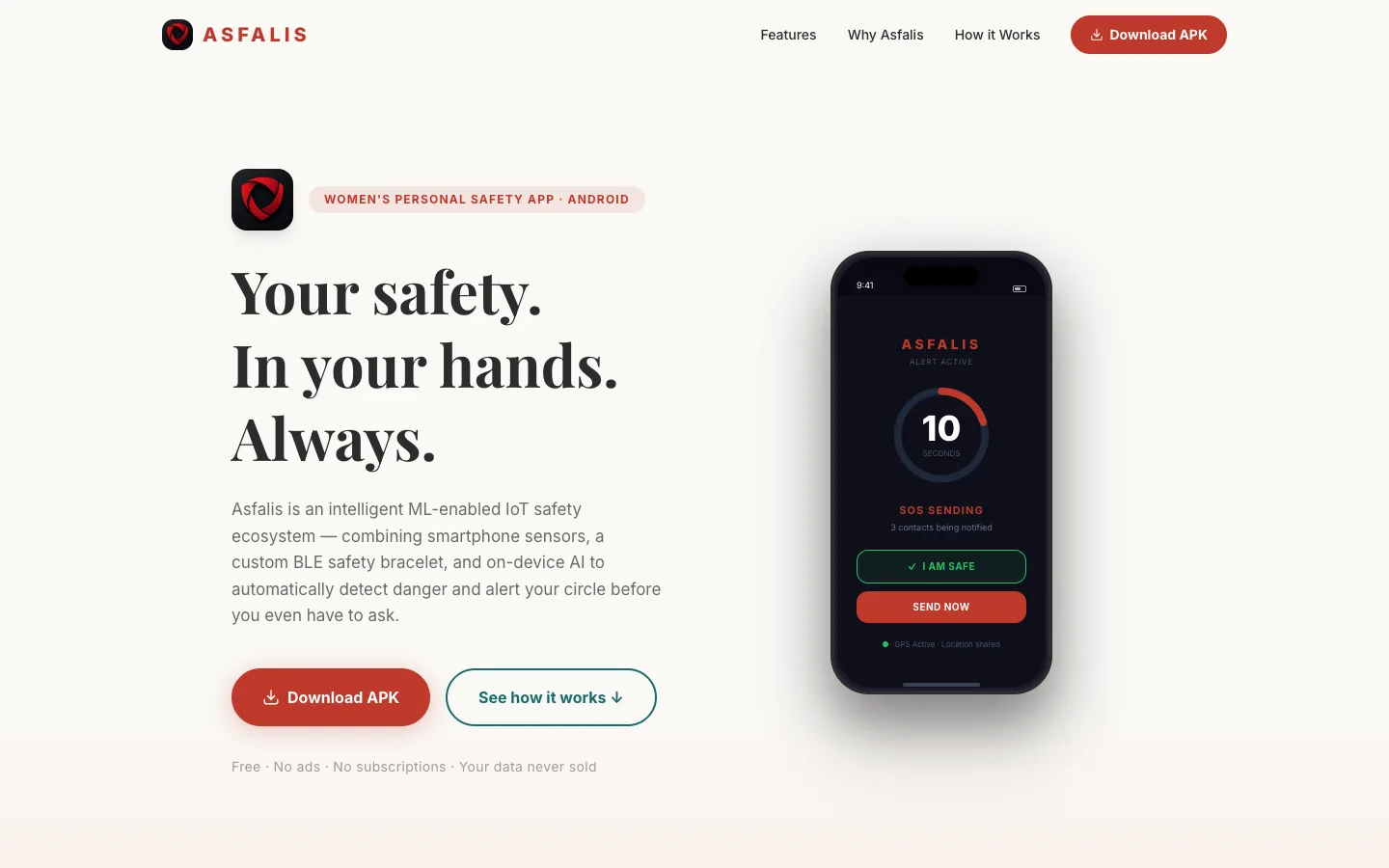
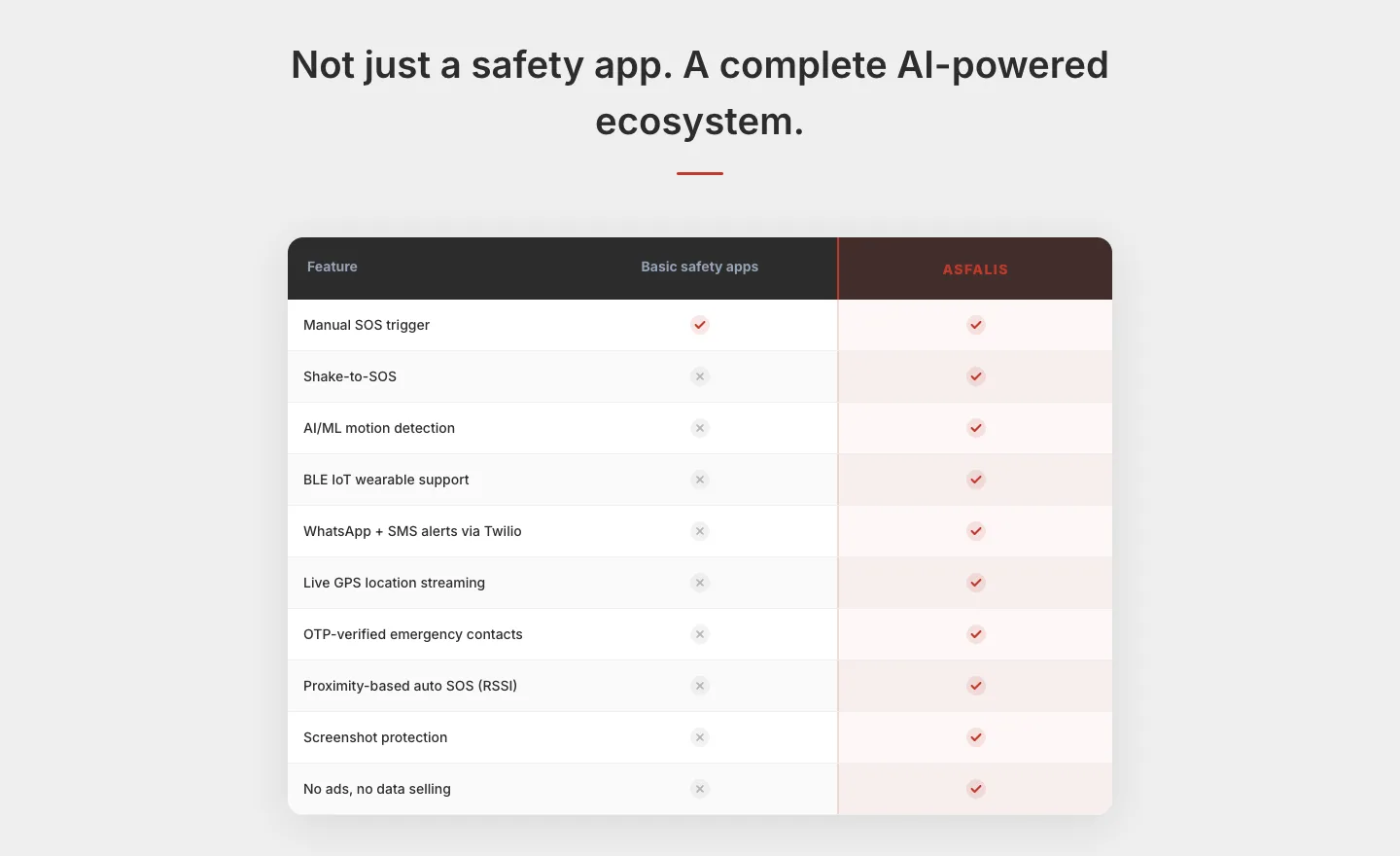
Every phone on the page is built in code, not a screenshot: an SOS screen with a live 10-second ring, a shake alert, a motion graph, the safety circle and the alert history. Each feature has its own mockup. A comparison table and a three-step 'How it works' section explain the system without jargon. The app itself uses Arpan's dark 'Neon Rose' theme.
- Crimson#C0392B
- Ivory#FAF9F6
- Charcoal#2C2C2C
- Blush#F1948A
- Teal#1A6B6B
/ 07
Outcome
72 of 81 backend commits · 50+ API endpoints · personal data encrypted at rest
- Shipped as an Android APK with the backend on Render, and a landing site at asfalis.in. All five SOS triggers run through the same server-side countdown and dispatch.
- The backend has about 4,600 lines of Python across 50+ endpoints, 11 tables and 17 database migrations, and ended up on FastAPI after starting on Flask.
- Not finished: the automated tests were removed during the FastAPI move and never replaced, the live map is still a mock-up, and a review after the security pass found gaps in token handling and access checks that I'd close before any wider release.
/ 08
What I learned
- Design for the moment everything fails. The most important code in a safety app is what still runs when the phone dies, the session expires or a message bounces.
- Small datasets flatter you. A 97% score from 174 windows told us less than one afternoon of shaking a real phone. Split by recording and test on the device.
- Writing a security audit isn't the same as doing one. A document listing fixed issues gave us confidence the code hadn't earned, so I now check every claim against the code and test the paths an attacker would try.
/ 09
Screens